 OpenFlux 3
OpenFlux 3 — FLUX 3 AI Video & Image Studio
Generate 5–20s FLUX 3 Max and FLUX 3 videos up to 4K with native audio, create FLUX 3 images, GIFs, SVGs, and browser-rendered LLM motion in one workspace.
0/10000
Examples
1 / 39Trending
Drag to compare · Choose a template





01
Direct FLUX 3 video and creative workflows in OpenFlux 3
A campaign or film concept often needs a crisp hero clip, matching stills, vector or GIF assets, and clear supporting copy. OpenFlux 3 brings FLUX 3 Max, FLUX 3 Video, FLUX 3 Image, GPT Image 2.6, and multi-vendor LLM rendering together while keeping you in control of every model choice and credit quote.
The homepage opens in Video with Flux 3 Max selected by default. You can generate 5–20 second clips from 720p to 4K with native audio from text or images, switch to Flux 3 Video, Keyframes, or Extend, or open Image for Flux 3 Image, GPT Image 2.6 (including GIF and SVG), and vendor-grouped LLM models.
Official FLUX 3 Max and FLUX 3 examples are paired with their prompts right inside the workspace. Click Use this prompt to load a reference direction, review the visible duration, resolution, and audio settings, and adapt the brief to your own shot.
Generated drafts still need your creative judgment. Inspect physics, framing, typography, and native sound before downloading from Creation History or continuing into your own editing pipeline.
OpenFlux 3 · FLUX 3 Max · 4K · Native Audio
Faster renders. Sharper direction.
FLUX 3 Max and FLUX 3 combine physically coherent motion, 720p to 4K resolution, 5–20 second clips, and native synchronized audio in one pass. In OpenFlux 3, direct video from text, images, first-and-last frames, or keyframes—or switch to FLUX 3 Image, GPT Image 2.6 (GIF & SVG), and multi-vendor LLM rendering. OpenFlux 3 is an independent studio, not an official Black Forest Labs or fal website.
Text to VideoImage to Video720P–4K5–20sNative Audio
≈12.5sreference inference speed for a 10s FLUX 3 Max clip; queue depth and resolution affect total turnaround.
02
How to create with FLUX 3 on OpenFlux 3
Start with the shot and movement you want rather than stacking unrelated buzzwords. Tell OpenFlux 3 the subject, camera motion, lighting, and audio cues so the first FLUX 3 Max draft is easy to evaluate.
Refine one variable at a time: duration, framing, resolution, or opening/closing keyframes. Checking the live credit quote before submitting keeps every iteration predictable.
- STEP 1
Choose FLUX 3 video or switch workspace
Begin directly in the homepage FLUX 3 Max video workspace, switch to FLUX 3 Image or GPT Image 2.6 for stills/GIF/SVG, or open a dedicated tool or Kie Seedance 2.5 trending face-swap template.
- STEP 2
Write a prompt or click Use this prompt
Describe the action, camera move, and sound—or click Use this prompt on an official FLUX 3 example and attach supported start, end, or keyframe images.
- STEP 3
Verify settings and credit quote
Check the selected model, duration (5–20s on FLUX 3), resolution (720p–4K), aspect ratio, audio toggle, and exact displayed credit quote before generating.
- STEP 4
Inspect, download, or iterate
Review motion, visual continuity, and native audio in Creation History. Download ready files or send a chosen still straight into FLUX 3 Image-to-Video.

Input

Image 1

Image 2

Image 3
Video 1
Audio 1
Output
Prompt:Using the character actions and camera language from @Video 1, generate a combat sequence featuring the characters from @Image 1 and @Image 2, set against the background of @Image 3. The fight choreography and visual style should emulate the pixel-art, side-scrolling combat of the classic game Contra, including retro movement rhythms and arcade-style impact beats. Apply the background music from @Audio 1, and synchronize additional combat sound effects—hits, jumps, and weapon actions—with the on-screen fighting motions to enhance intensity and immersion.
03
Five ways to build with OpenFlux 3
Direct high-speed video with FLUX 3 Max & FLUX 3
OpenFlux 3 defaults to Flux 3 Max on the homepage so you can move from text or reference frames into coherent 5–20 second video clips with native synchronized audio.
Flux 3 Max supports 720p, 1080p, 2K, and 4K, optional first/last frame guidance, and multi-keyframe sequences via Flux 3 Max Keyframes. Standard Flux 3 Video, Flux 3 Keyframes, and Flux 3 Extend are also available in the same model picker.
Describe camera movement, lighting, and acoustic cues clearly, inspect the displayed credit quote, and verify every generated clip in Creation History.
Generate stills, GIFs, and SVGs with FLUX 3 Image & GPT Image 2.6
Switch to Image to generate crisp frames with Flux 3 Image or choose GPT Image 2.6 Flare and Sunburst for multi-output illustrations, edits, 4-frame GIF animations, and validated SVG vectors.
Selecting GIF or SVG in the image studio automatically configures GPT Image 2.6 with the exact supported dimensions and credit estimate.
Any generated image can be sent directly into FLUX 3 Image-to-Video to test motion before committing to a longer render.
Render code-driven visuals with multi-vendor LLMs
OpenFlux 3 includes vendor-grouped LLM models across Anthropic, OpenAI, Google, Moonshot AI, DeepSeek, Alibaba, Meta, NVIDIA, MiniMax, and xAI inside both the Image and Video pickers.
These models generate structured scene code rendered directly in your browser for clean diagrams, motion graphics, and illustrated sequences with transparent credit quotes.
Compare LLM code-rendered scenes alongside photorealistic FLUX 3 video models without leaving the workspace.
Remix trending face-swap templates & browser image tools
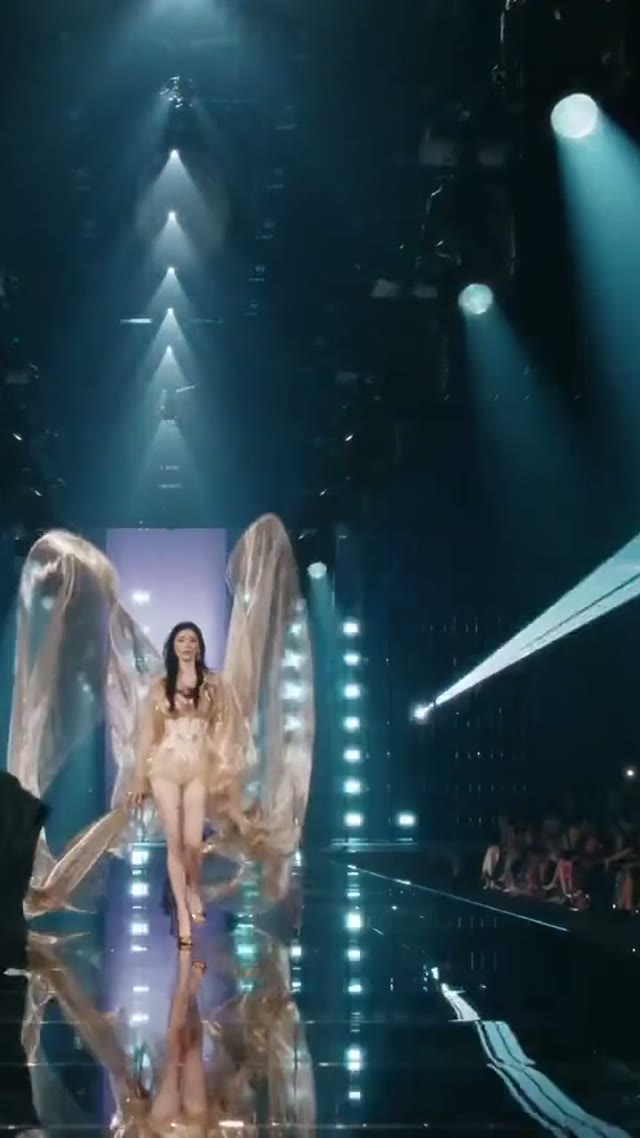
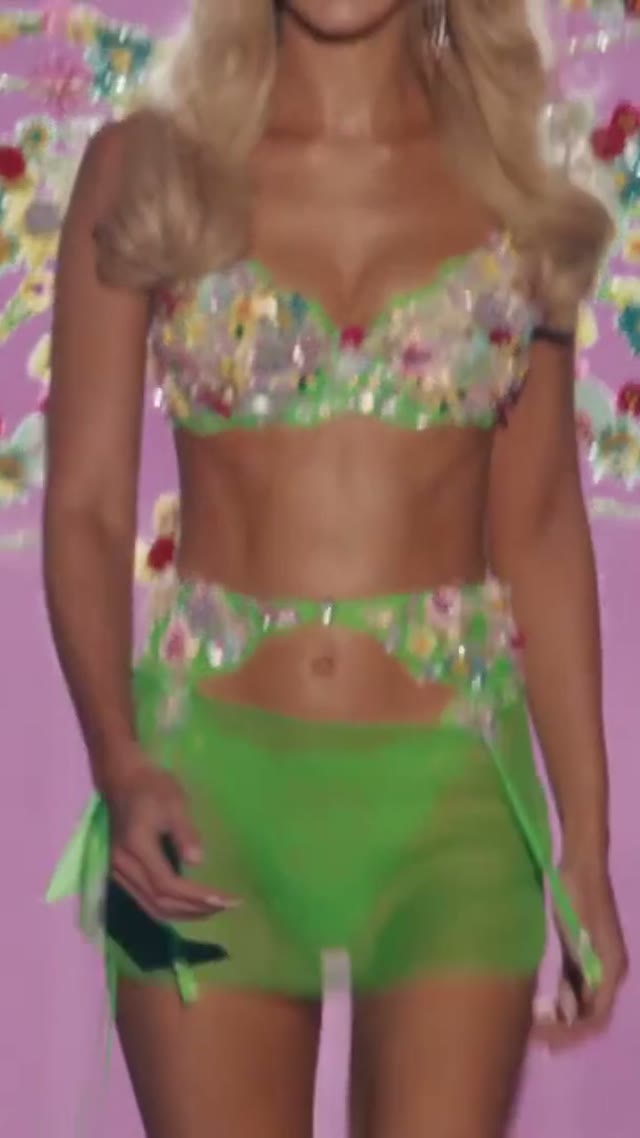
Explore Trending templates powered by Kie Seedance 2.5 for portrait-to-video face-swap remixes with clear 300-credit pricing per completed clip.
For quick file preparation, OpenFlux 3 keeps browser-based Compress, Resize, Convert, Rotate, Crop, Watermark, and background tools ready without spending generation credits.
Inspect exported files at target display size before publishing or feeding them back into video generation.
Shape copy with Humanize AI and Prompt Seen
Use Prompt Seen to inspect an uploaded reference image and extract editable prompt drafts before running FLUX 3.
Use Humanize AI (Gemini 2.5 Flash) to rewrite surrounding product or campaign copy in Natural, Friendly, or Professional tones while retaining editorial control.
Keep final review of facts, names, and brand voice in your own hands.
High-speed camera tracking
Two stills become one shot
Text-to-video scene control
Sound generated with the picture
Consistent lighting & optics
Fast FLUX 3 Max turnaround
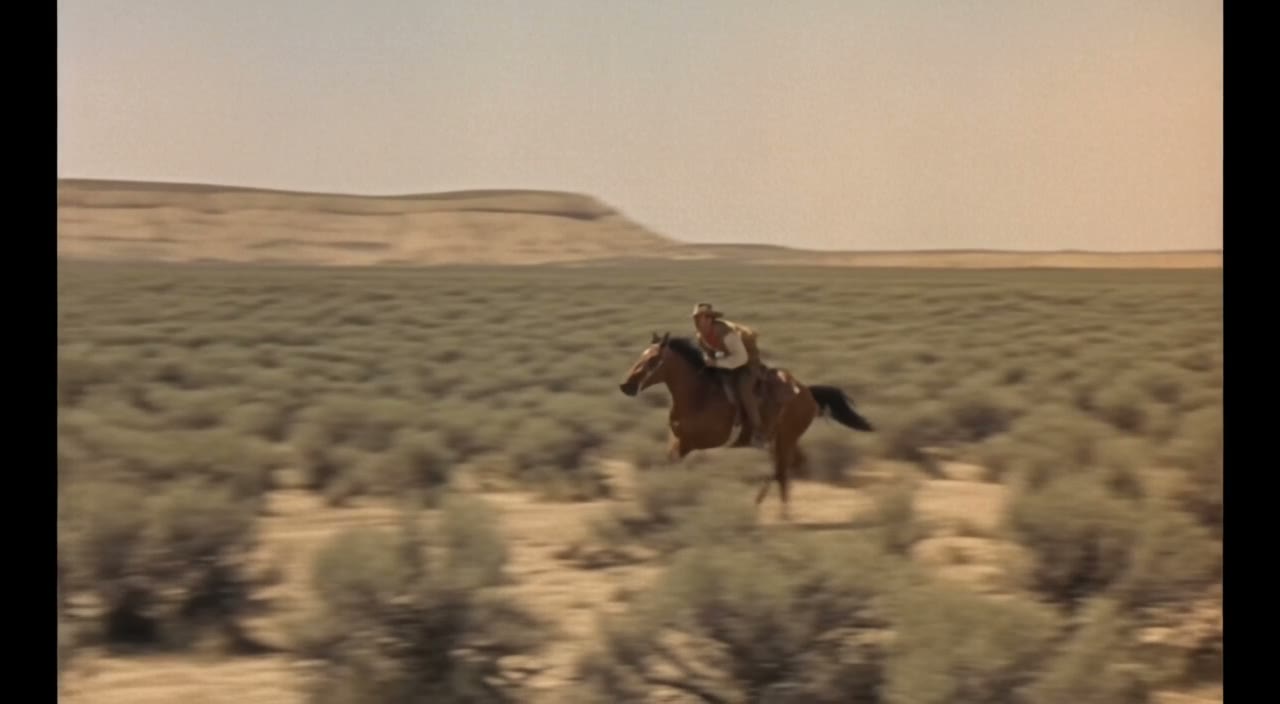
The mail at full gallop
The brim lift
A driverless car at the saloon
A robot dog working the herd
A call from the future
Muscle from the future
04
Workflow examples
Illustrative ways to plan, generate, and review your work.
01
Product image draft
Illustrative workflow
Begin with a product photograph and a focused image-editing brief. Compare the draft with the original for shape, labels, and proportions before placing it into a listing. Add approved logos and exact copy in your design application.
02
One short product clip
Illustrative workflow
Choose a video model and describe one small action, such as a careful object turn. Review the available duration, resolution, and credits. Check the completed take for object continuity and sound before using it in a larger edit.
03
Editorial illustration
Illustrative workflow
Give the image workspace a subject, viewpoint, and visual metaphor that supports your article. Preview the result inside the intended layout. Adjust the crop or composition when it competes with the headline or obscures an important detail.
04
Lighter image attachments
Illustrative workflow
Sign in and use Compress Image when a picture has the right dimensions but a large file size. Compression runs in the browser; input and output images are saved to your account. Compare the result before downloading individual files or a ZIP.
05
A clearer text draft
Illustrative workflow
Paste a draft into Humanize AI and select Natural, Friendly, or Professional tone. Review the rewrite for meaning, names, figures, and technical terms. Copy or download the version you have checked; detector scores and publication outcomes are not guaranteed.
06
A visual series
Illustrative workflow
Record the palette, viewpoint, lighting, and subject scale in a reusable brief. Supply relevant references where the selected image model supports them. Compare the images together, then revise specific differences instead of assuming automatic campaign-wide consistency.
Featured on
TRENDING
Browse all ↗More Trending Templates







OpenFlux 3 Pricing and Credit Plans
Cancel anytime
Trending face-swap templates cost 300 Credits per video, including full-length Bad Times and every available format. Other tools keep their own quotes. Existing MV tickets remain usable until their original expiry; new tickets are no longer sold.
Pay once annually; receive 1/12 of your annual Credits each month. The first allocation arrives after payment, then monthly. Tax included. Each allocation expires at the next subscription month or paid-year end.
Lite
50% off0.025 / credit
$358.8$179 / year50% off
$14.9/month equivalent · Billed $179· Save $179.8
Annual total: 7,200 credits, issued monthly
600/month
Video Models
MiniMaxSeedanceWanGrok ImagineKling


Image Models
SeedreamGPT ImageNano Banana


- Includes MiniMax H3 and all premium models
- Up to 1 batch generation task
- Standard generation speed
- Standard generation success rate
- Standard customer support
- Commercial Use License
Standard
50% off0.017 / credit
$598.8$299 / year50% off
$24.9/month equivalent · Billed $299· Save $299.8
Annual total: 18,000 credits, issued monthly
1,500/month
Video Models
MiniMaxSeedanceWanGrok ImagineKling
Image Models
SeedreamGPT ImageNano Banana
- Includes MiniMax H3 and all premium models
- Up to 4 batch generation tasks
- Priority processing speed
- High generation success rate
- Priority customer support
- Commercial Use License
Pro
50% off0.014 / credit
$1198.8$599 / year50% off
$49.9/month equivalent · Billed $599· Save $599.8
Annual total: 43,200 credits, issued monthly
3,600/month
Video Models
MiniMaxSeedanceWanGrok ImagineKling
Image Models
SeedreamGPT ImageNano Banana
- Includes MiniMax H3 and all premium models
- Up to 10 batch generation tasks
- Fastest generation speed
- High generation success rate
- Dedicated account manager
- Commercial Use License
Max
50% off0.012 / credit
$2398.8$1,199 / year50% off
$99.9/month equivalent · Billed $1,199· Save $1,199.8
1x
1x2x3x4x5x
Annual total: 96,000 credits, issued monthly
8,000/month
Video Models
MiniMaxSeedanceWanGrok ImagineKling
Image Models
SeedreamGPT ImageNano Banana
- Includes MiniMax H3 and all premium models
- Up to 10 batch generation tasks
- Fastest generation speed
- High generation success rate
- Dedicated account manager
- Commercial Use License
Pay safely and securely with























05
FAQ
Inputs, outputs, credits, boundaries.
FAQ
Questions about OpenFlux 3 and FLUX 3
Understand which FLUX 3 models are enabled, how credits are quoted, and how OpenFlux 3 connects video, image, GIF/SVG, and LLM tools.
OpenFlux 3 (openflux3.com) is an independent AI video and image studio centered on Black Forest Labs FLUX 3 Max and FLUX 3 models, alongside FLUX 3 Image, GPT Image 2.6 (including GIF and SVG), multi-vendor LLM browser-rendered visuals, Kie Seedance 2.5 face-swap templates, browser image utilities, and text rewriting.
The homepage opens in Video mode with Flux 3 Max selected by default, supporting text-to-video and image-to-video (including optional end frame), 5–20 second durations, 720p to 4K resolution, and native synchronized audio.
OpenFlux 3 displays the exact credit quote before every generation based on live provider pricing (at 1 cent = 1 credit with standard studio rules). Credits are reserved on submission, captured on completion, and automatically refunded on confirmed failure. Browser image utilities use no generation credits.
In the Image workspace, selecting GIF or SVG automatically routes to GPT Image 2.6 (Flare or Sunburst). GIF outputs a 4-frame 832×832 animation; SVG runs in text mode and passes safety sanitization before saving.
Trending video face-swap templates on OpenFlux 3 run on Kie Seedance 2.5 with a transparent 300-credit quote per completed clip.
No. OpenFlux 3 is an independent creative platform with no implied endorsement from Black Forest Labs, fal, OpenAI, Kie, or other model providers.
OpenFlux 3 support: hi@openflux3.com
06
CTA
Turn evidence into generation.
Start creating
Direct your next FLUX 3 video on OpenFlux 3
Start with a clear prompt, click Use this prompt on an official FLUX 3 Max example, or upload a reference frame to test motion and native sound in seconds.
Review the live credit quote, generate in one workspace, and download ready-to-use videos, images, GIFs, and SVGs from OpenFlux 3.
Start creatingReview the selected model
Check credits before generation
Inspect your result